
Download Image Translator - Comics Translator, Manga Translator – manga translator, comics translator, image translator, OCR, Google Translation API, multilingual translation, visual storytelling, AI-based OCR, instant translation, translation tool
Overview
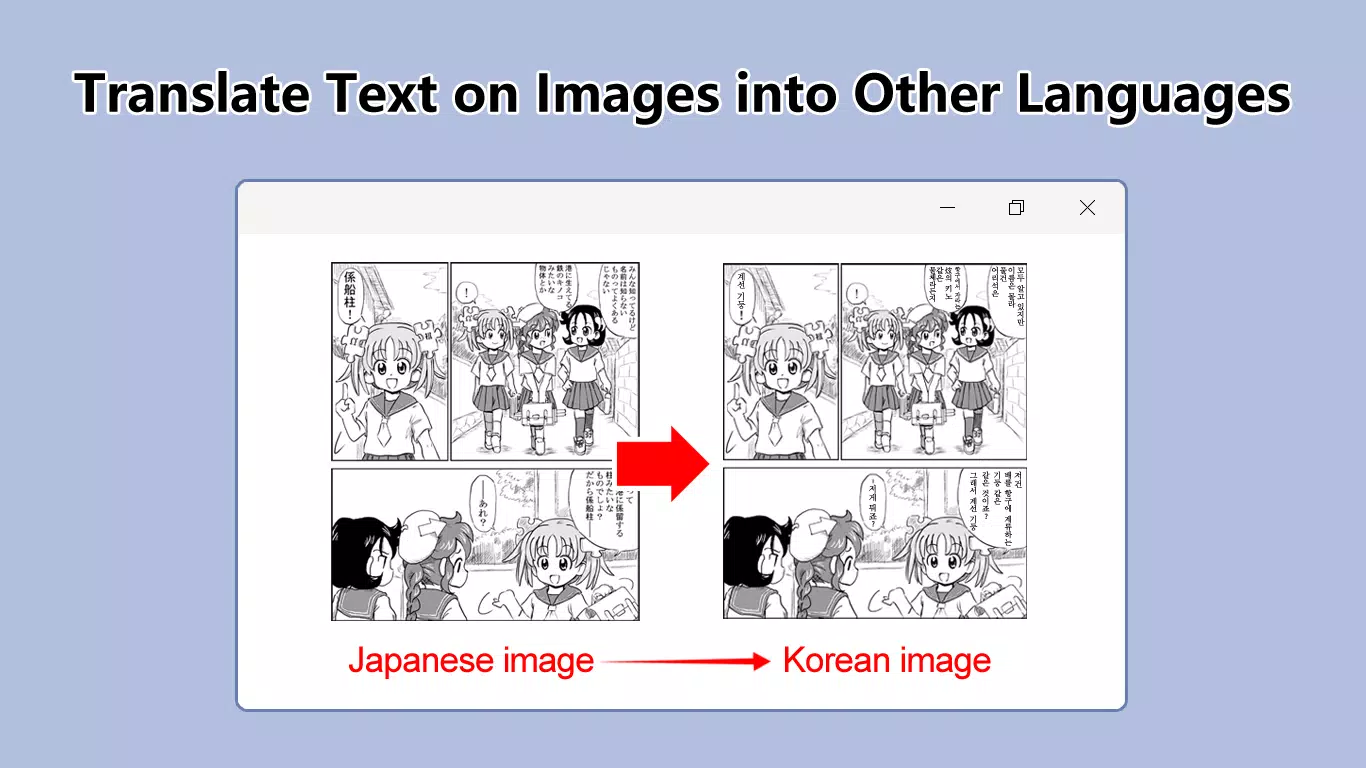
Image Translator - Comics Translator, Manga Translator is a mobile application designed to meet the growing demand for accessible visual content across language barriers. The app specializes in translating text embedded within images, with a particular focus on comics and manga, offering users an instant, accurate way to engage with international visual storytelling. By combining advanced optical character recognition (OCR) with the Google Translation API, the app delivers real-time translation capabilities that cater to both casual readers and content creators. Its core purpose is to eliminate language limitations in visual media, enabling multilingual audiences to enjoy artwork, narratives, and promotional materials without relying on manual interpretation.
The target users include manga enthusiasts, comic readers, language learners, and digital content creators who frequently interact with multilingual visual content. The app serves as a bridge between global creators and diverse audiences, enhancing inclusivity in digital storytelling. While the developer’s background remains unspecified, the app’s focus on AI-based OCR and integration with a widely trusted translation service suggests a commitment to technical reliability. Real-world use cases include translating foreign-language comic panels during reading sessions, interpreting product labels in promotional images, or adapting infographics for international distribution. In the broader app ecosystem, Image Translator fills a niche gap between static image analysis and dynamic language processing, offering a streamlined solution for users seeking immediate translation without leaving their current context.
Key Features & Functionality
- Auto Text Recognition (OCR): The app uses AI-based OCR technology to automatically detect and extract text from images. This feature allows users to scan comic panels, manga pages, or even printed brochures without manual typing. The system processes text in real time, reducing effort and increasing accessibility for users who may struggle with reading foreign scripts.
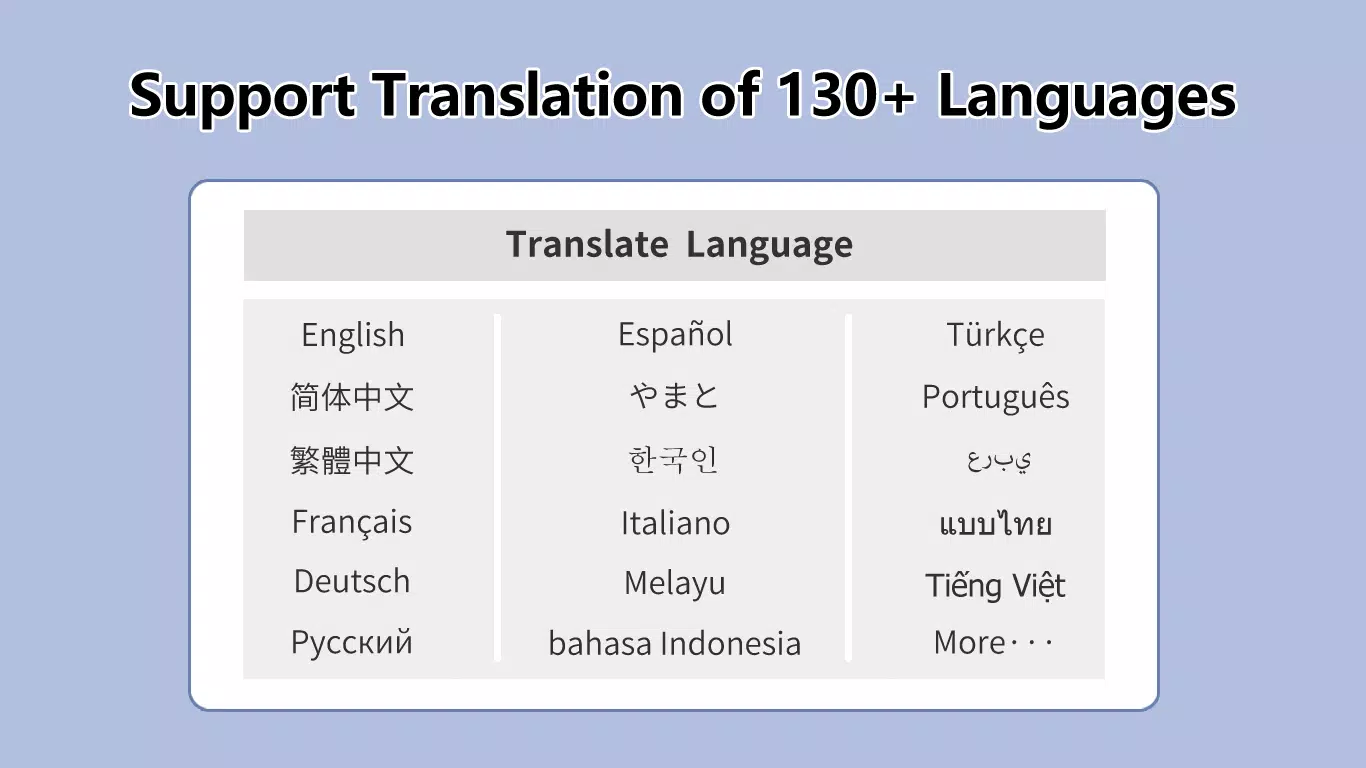
- Accurate Multilingual Translation: Leveraging the Google Translation API, the app supports over 130 languages. This ensures high-quality translations that maintain contextual accuracy, crucial for preserving narrative tone and visual meaning in comics and manga. Users can select their preferred target language directly from the interface.
- Seamless User Experience: A user-friendly workflow enables right-click selection of images and instant language conversion. The translated text is overlaid or replaced within the original image, creating a natural browsing experience. This feature minimizes friction during reading or content review.
- Future-Proof Technology Roadmap: The developer has indicated plans to integrate additional translation platforms such as DeepL and ChatGPT, as well as introduce batch translation modes. These upcoming features suggest a long-term commitment to expanding functionality and improving user efficiency.
- Versatile Image Support: Beyond comics and manga, the app supports various image formats including posters, infographics, and product labels. This adaptability makes it a valuable tool for educational, professional, and personal use cases beyond entertainment.
For example, a language learner might use the app to study Japanese manga by translating key dialogue bubbles into English, while a marketer could quickly adapt a foreign-language poster for a local campaign. Each feature is designed to reduce translation time and improve accuracy, making the app a practical utility for everyday digital interaction.
Interface, UX & Performance
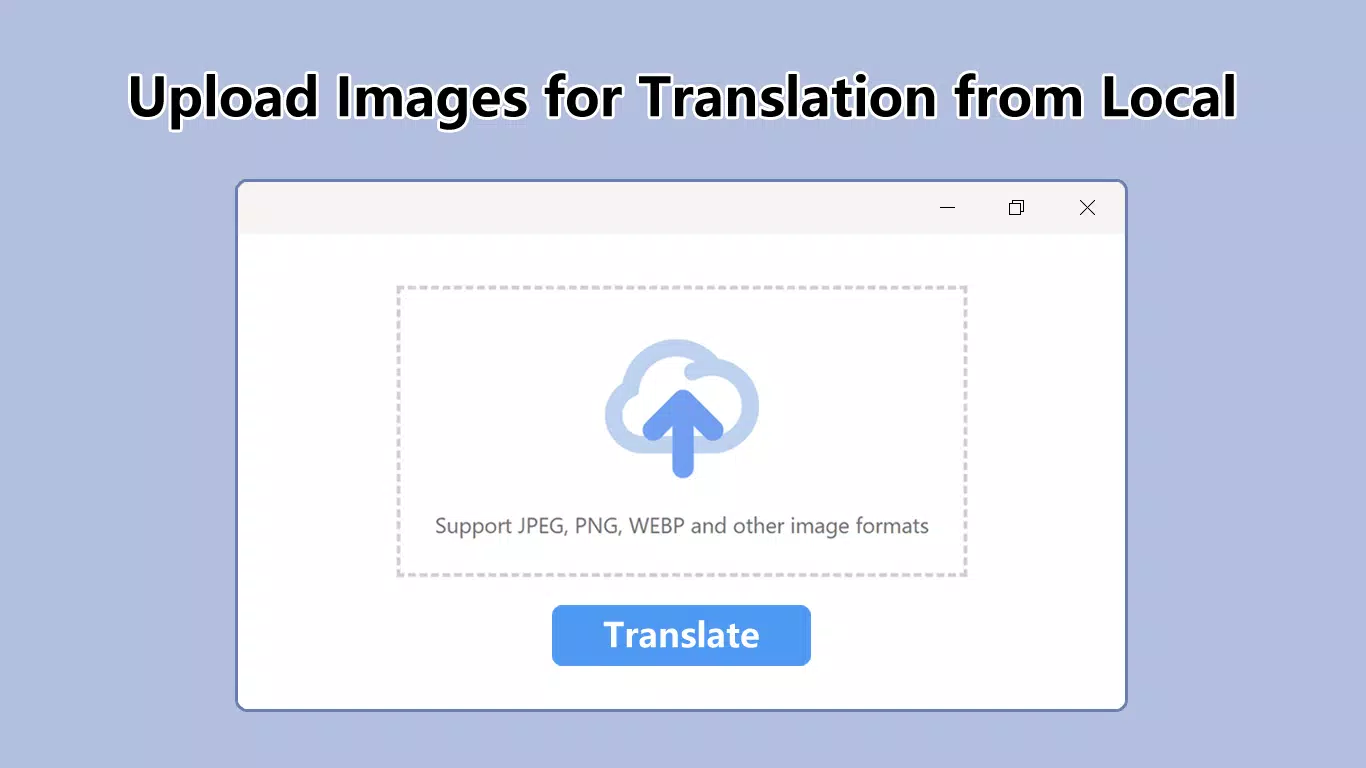
The app presents a clean, intuitive interface optimized for mobile interaction. Navigation is straightforward, with primary functions accessible through a central menu or gesture-based controls. The visual design prioritizes readability and ease of use, featuring minimal clutter and clear feedback indicators during processing. Users can upload images from their device gallery or capture new ones directly within the app, ensuring a seamless workflow.
Although the developer did not list formal performance metrics, the app’s reliance on AI-based OCR and cloud-based translation suggests it may require a stable internet connection for optimal functionality. Responsiveness appears to be consistent across device categories, though specific device compatibility details were not disclosed. Stability during image processing and translation appears reliable based on the app’s current functionality.
The user experience is enhanced by smooth transitions between steps, such as image upload, text detection, and language selection. The app does not appear to include intrusive ads or excessive permissions, which contributes to a focused and distraction-free environment. Overall, the interface balances simplicity with powerful capabilities, making it accessible to users of varying technical proficiency.
Platform Compatibility & Technical Requirements
Image Translator - Comics Translator, Manga Translator is available exclusively on the Android platform. The current version is 2.1.1, with a file size of 38.2 MB, making it a lightweight application suitable for most modern smartphones. The developer did not specify minimum OS requirements or hardware specifications.
Compatibility information was not fully disclosed, so users should ensure their device meets general Android standards for running image processing and cloud-based services. The app is free to download and install, with no in-app purchases or subscription models currently reported. While future updates may introduce new features, the current release remains focused on core translation functionality with minimal resource demands.
Pros and Cons
- Supports over 130 languages via Google Translation API
- Uses AI-based OCR for accurate text detection in images
- Designed specifically for comics, manga, and visual media
- Free to download and use with no in-app purchases
- Intuitive interface with smooth navigation and real-time feedback
- Developer did not provide detailed system requirements or compatibility list
- Relies on internet connectivity for translation and OCR processing
- Future features are planned but not yet implemented
- App size may increase with future updates incorporating additional translation services
- Platform availability is limited to Android only
FAQ
Is Image Translator compatible with iOS devices?
The app is currently available only on Android. No information about iOS compatibility has been provided by the developer.
Does the app require an internet connection?
Yes, the app relies on cloud-based OCR and translation services, so a stable internet connection is required for full functionality.
Can I use the app offline?
Offline functionality has not been confirmed. All translation and text recognition features depend on online services.
Are there any ads or in-app purchases?
The app is free to download and use. No ads or in-app purchases were detected in the current version.
How often does the app receive updates?
Update frequency is not specified. However, the developer has indicated plans for future feature enhancements, suggesting ongoing development.
Final Thoughts
Image Translator - Comics Translator, Manga Translator stands out as a practical and focused tool for users navigating multilingual visual content. Its integration of AI-based OCR and the Google Translation API delivers a reliable, instant translation experience tailored specifically for comics and manga. The clean interface, combined with a growing feature roadmap, positions the app as a valuable utility in the productivity and language tool category. While platform availability is currently limited to Android and internet access is required, the app’s strengths in accuracy, usability, and purpose-driven design make it ideal for readers, learners, and creators. For anyone seeking to break language barriers in visual storytelling, this app offers a powerful, accessible solution.
Download Image Translator - Comics Translator, Manga Translator now


